

Meet a simple web analytics alternative to Countly
Searching for the best alternative to Countly? Want a simpler way to see who visits your site and what they came looking for? Prefer ChatGPT and Perplexity traffic in its own AI view, right beside your channels and goals? Discover why Clics is a great alternative to Countly.
Looking for Countly alternatives?
Countly is built as a broader digital analytics and customer engagement platform. It helps teams collect first-party data across web, mobile, and other touchpoints through a wide range of SDKs and APIs, then explore that data with dashboards, funnels, cohorts, retention reports, user profiles, drill-downs, and AI-assisted reporting. Beyond analytics, Countly also extends into journeys, in-app messages, push notifications, surveys, and personalization, with both cloud and self-hosted deployment options for teams that need more control over infrastructure and governance.
Clics makes website analytics something your team actually looks forward to every week: easy, modern, and genuinely useful. One clean dashboard anyone can open without training brings visitors, traffic sources, landing pages, goals, conversions, and multistep funnels onto a single screen, beside a dedicated AI view for referral traffic from ChatGPT, Claude, Perplexity, Gemini, and Copilot. A tracking script under 5 KB sets no analytics cookies and is designed with GDPR, CCPA, and PECR in mind, so you report full counts you can trust in reviews. Unlimited teammates share one workspace from phone or desktop, the 14-day trial needs no credit card, and human support typically replies in under 30 minutes.
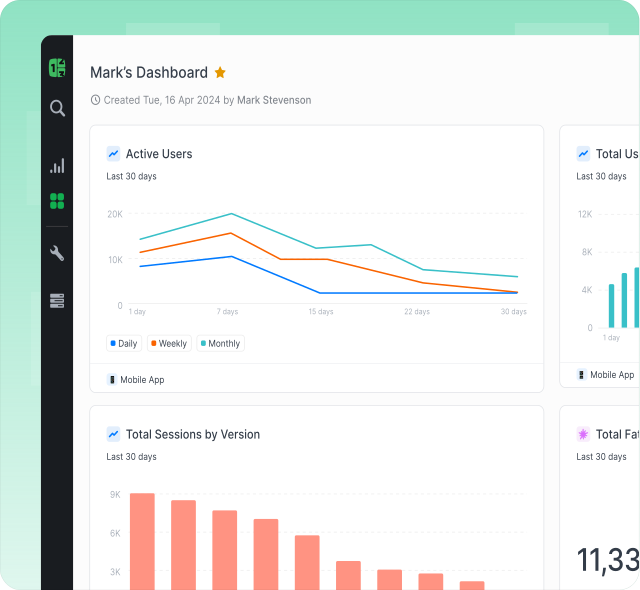
Why we built Clics differently.
Six reasons teams pick Clics over Countly.
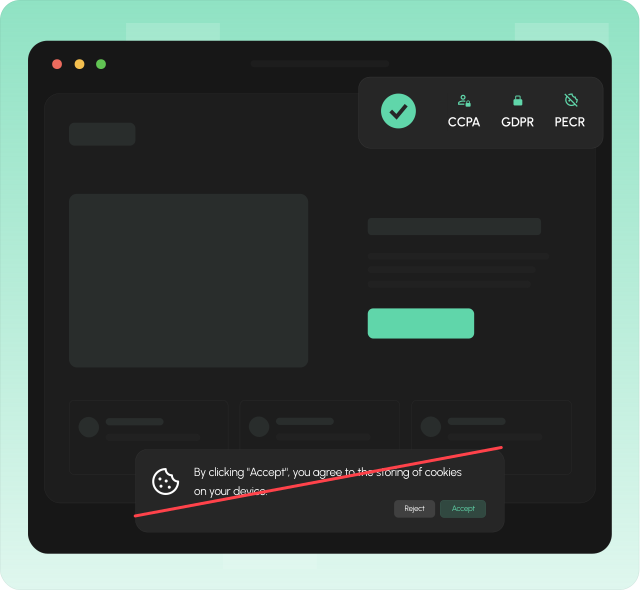
GDPR-compliant with no cookie banners needed.
Clics is built with GDPR, CCPA, and PECR compliance in mind from the ground up. Because the tracking script does not set cookies on visitor browsers, you can skip the cookie consent banner entirely and still stay on the right side of privacy regulations.
That means a cleaner experience for your visitors and one less compliance headache for your team. No cookie pop-ups, no consent management platform to maintain, and no risk of losing data when someone clicks reject.
More accurate data you can actually trust.
Ad blockers and cookie-consent walls silently eat into your numbers. The more your analytics depends on cookies and third-party scripts, the bigger the gap between what your dashboard shows and what really happened on your site.
Clics uses a lightweight async script under 5 KB with fingerprint-based sessions instead of invasive cookies. Because there is no cookie banner to dismiss, more visitors are actually counted, giving you a picture of your traffic that is closer to reality.
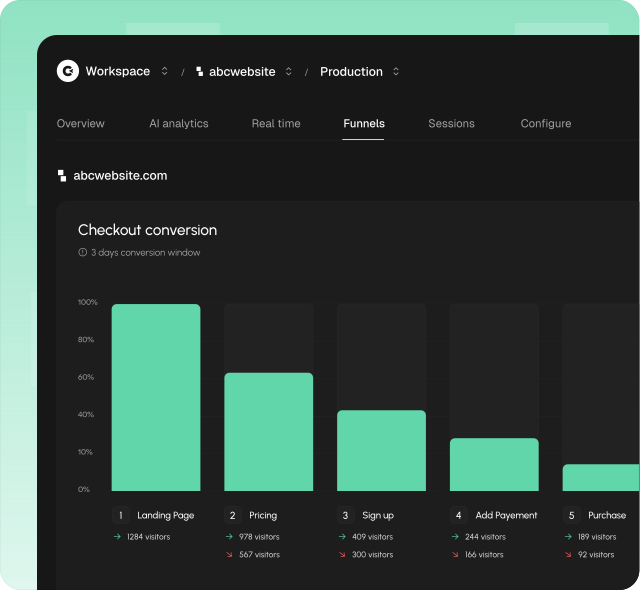
See exactly where visitors drop off, step by step.
Funnels are usually locked inside heavy product-analytics tools. You define a strict event taxonomy, wire up SDKs, and wait for data to pile up before you can finally see where people drop off, a lot of setup for one simple question about your website.
Clics builds multistep funnels right in the same dashboard, from the data your pages already send. Add as many steps as you need from pages, events, referrers, or UTM parameters, set a conversion window, and instantly read conversion, drop-off, and time-to-convert at every step, shown as a clear horizontal or vertical chart with no tagging to maintain.
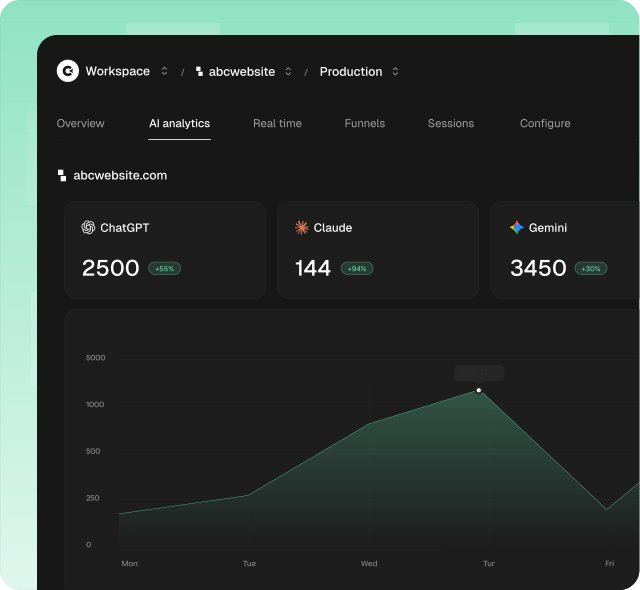
See exactly how much traffic comes from AI tools.
Traffic from AI tools like ChatGPT, Claude, Perplexity, Gemini, and Copilot is a growing channel for many websites. Most analytics platforms either ignore it or bury it inside generic referrer lists where you have to dig it out yourself.
Clics ships a dedicated AI analytics view so you can monitor visits, conversions, and revenue from AI tools in one place. You see exactly how much of your growth is being driven by AI search and chat, without building custom filters or manual reports.
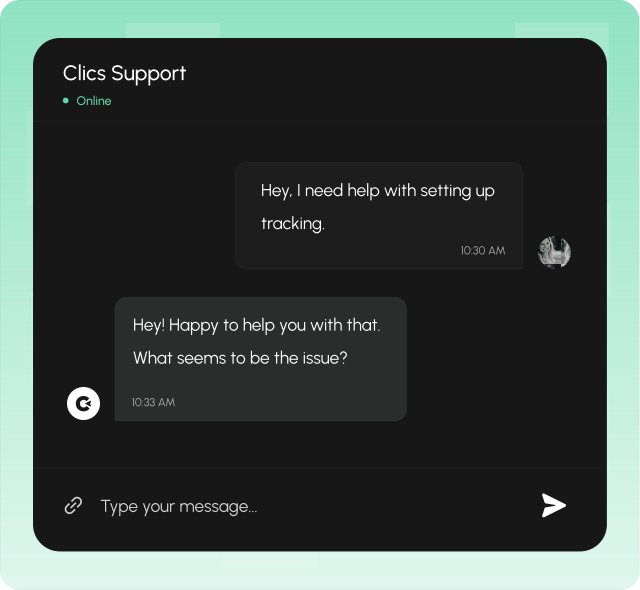
Get a human reply in under 30 minutes.
When you need help, you talk to a real person, not a chatbot, not a ticket queue that takes days. Clics offers human customer support with a response time under 30 minutes, so you are never left waiting when something matters.
Good analytics tooling should come with good support. Whether you have a question about setup, need help understanding a report, or want to discuss your tracking strategy, someone on our team will get back to you quickly.
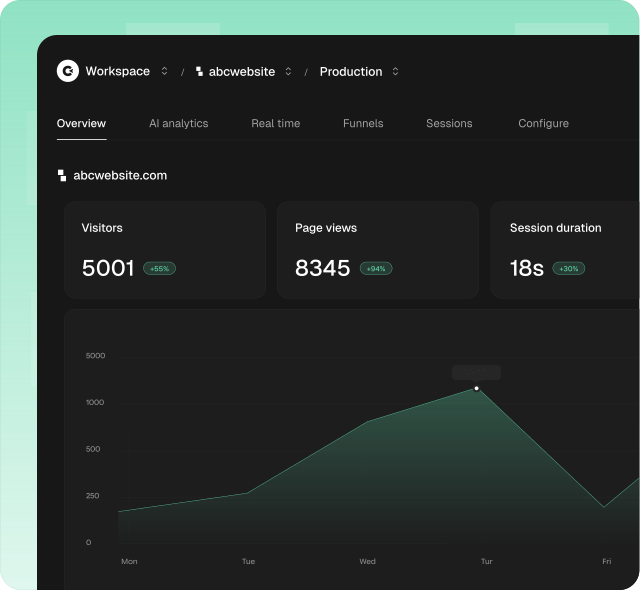
Easier to use from day one.
Countly is a full-scale analytics and engagement platform with dashboards, funnels, cohorts, retention views, user profiles, journeys, push notifications, and more. That depth serves large product teams, but it also means a steeper learning curve and more time before you get to the numbers that matter.
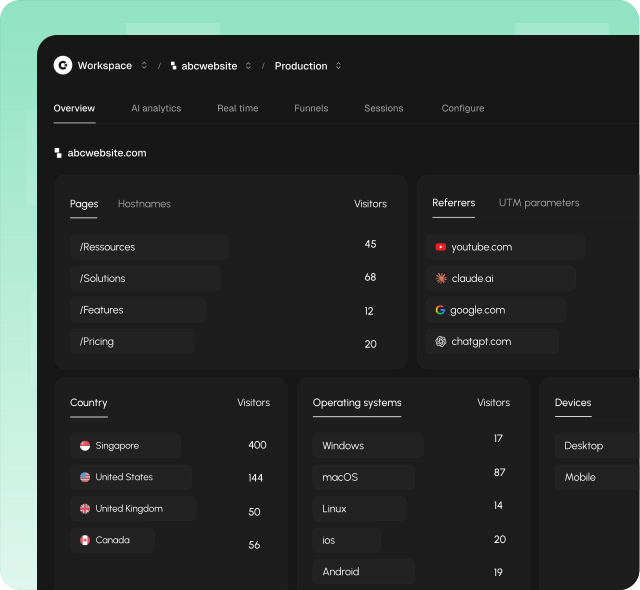
Clics is designed so anyone on the team can open the dashboard and immediately understand what is happening on the website. Visitors, traffic sources, goals, conversions, all on one clean screen, no training required.
Compare Clics to market leaders
FAQ about Countly & Clics
Compliance, accuracy, simplicity, AI traffic, pricing, support, and more. Everything you need to compare Countly and Clics in one place.