

Meet a privacy-first web analytics alternative to Smartlook
Need a human reply in under thirty minutes when a report blocks your launch? Want traffic, conversions, and revenue from ChatGPT and Perplexity in a dedicated AI view beside your channels and goals? What is the best platform to understand your visitors and stay close to what they need from your site? Discover why Clics is the best choice for website analytics.
Looking for Smartlook alternatives?
Smartlook is qualitative analytics for websites and mobile apps: session recordings, heatmaps, events, funnels, crash-linked replays, and integrations with Salesforce, Slack, Intercom, and Zendesk. Smartlook has published an end-of-life path: no new subscriptions after 31 May 2026, no renewals after 31 August 2026, last support for paid plans by 31 August 2027, and full decommissioning on 30 September 2027, with replay and heatmaps continuing inside Splunk Digital Experience Analytics for customers who adopt Splunk, without automatic migration of historical Smartlook data.
Clics keeps everything in one calm view, built for weekly questions, not replays to scrub through. Visitors, traffic sources, landing pages, goals, conversions, and multistep funnels sit beside a dedicated AI view for referral traffic from ChatGPT, Claude, Perplexity, Gemini, and Copilot. A tracking script under 5 KB sets no analytics cookies and is designed with GDPR, CCPA, and PECR in mind, so the counts you share stay full and trustworthy. Every tier is on the pricing page, unlimited teammates share one workspace from phone or desktop, the 14-day trial needs no credit card, and a real person replies in under 30 minutes when a launch is on the line.
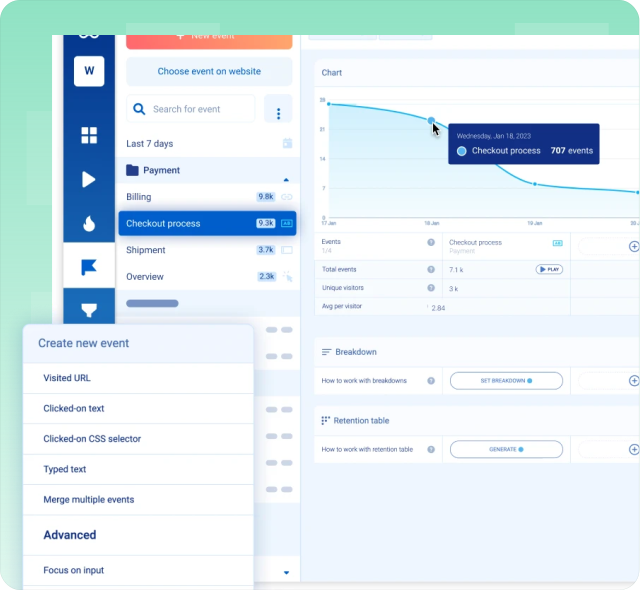
Why we built Clics differently.
Six reasons teams pick Clics over Smartlook.
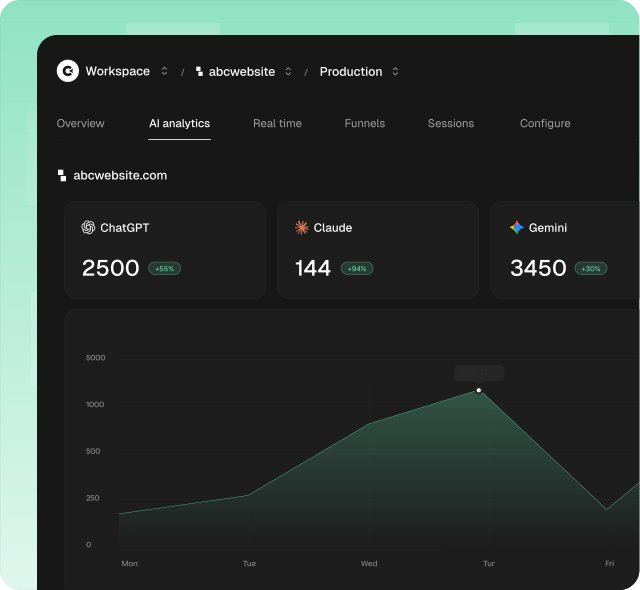
See exactly how much traffic comes from AI tools.
Traffic from AI tools like ChatGPT, Claude, Perplexity, Gemini, and Copilot is a growing channel for many websites. Smartlook’s forward path points at AI inside Splunk Digital Experience Analytics for trend detection and anomalies, not a dedicated read for visitors arriving from AI search and chat referrers.
Clics ships a dedicated AI analytics view so you can monitor visits, conversions, and revenue from AI tools in one place. You see exactly how much of your growth is being driven by AI search and chat, without hand-picking referrers in a generic traffic list.
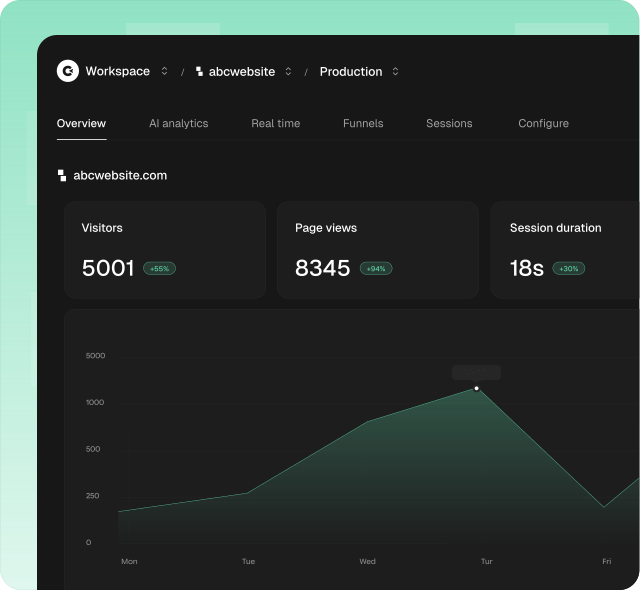
Simpler to use from day one.
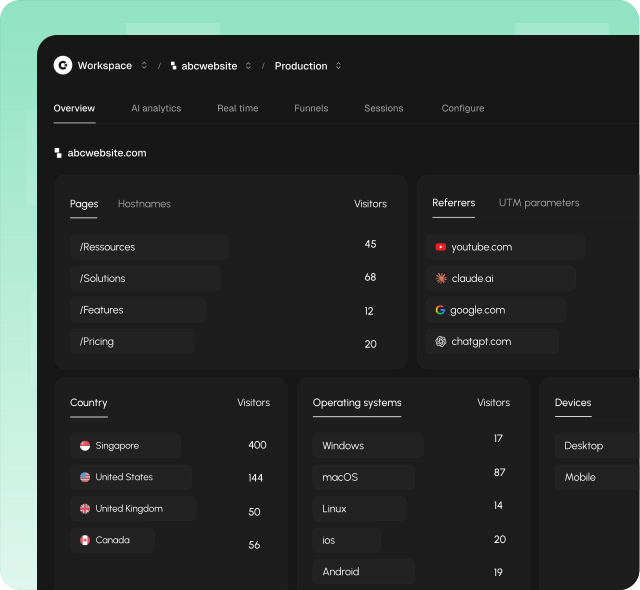
Clics is designed so anyone on the team opens one dashboard and immediately understands visitors, traffic sources, goals, conversions, and sessions without extra setup.
One calm layout keeps weekly reviews fast: fewer buried menus between you and the answer, and the metrics that matter stay together on one screen.
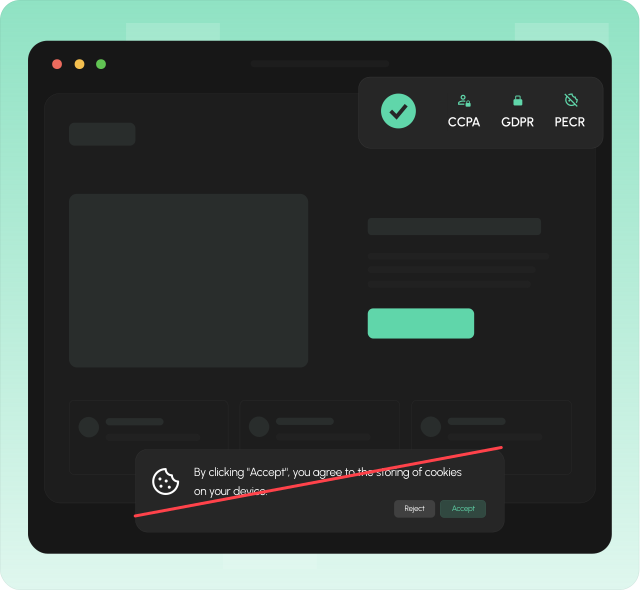
GDPR-compliant with no cookie banners needed.
Smartlook records sessions and heatmaps on web and mobile, which helps UX teams debug flows but expands consent, retention, access control, and DPIA work compared with aggregate page metrics.
Clics is built with GDPR, CCPA, and PECR compliance in mind from the ground up. Clics does not set cookies on visitor browsers, so you can skip the analytics cookie banner on sites you operate and stay aligned with privacy regulations without replay libraries in the product.
Conversion funnels built in, minus the product-analytics overhead.
Funnels are usually confined to a dedicated product-analytics platform. You design an event schema, instrument SDKs, and wait for data to accumulate before you can finally see where people abandon the journey, a lot of setup for one simple question about your site.
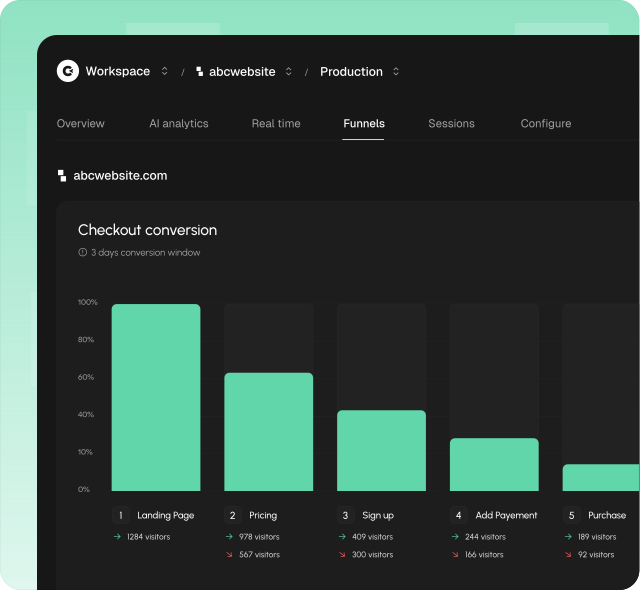
Clics assembles multistep funnels inside the same dashboard, from the signals your pages already collect. Add as many steps as you need from pages, events, referrers, and UTMs, set a conversion window, and instantly read conversion, drop-off, and time-to-convert for each step, shown as a clear left-to-right or top-to-bottom chart with no tagging to maintain.
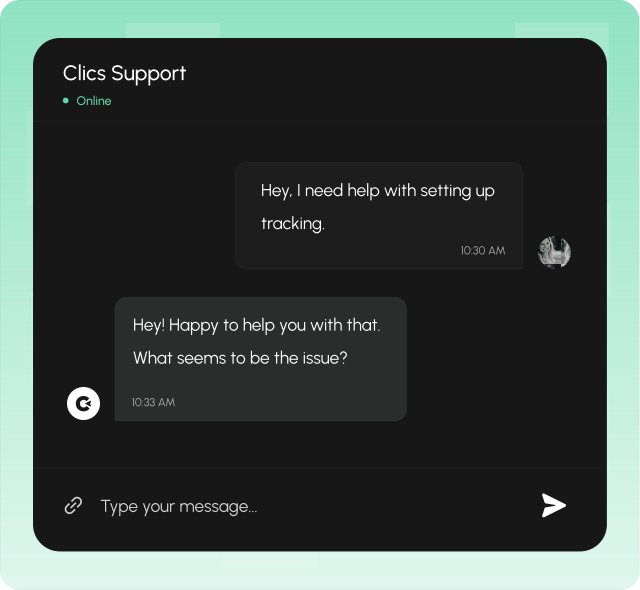
Get a human reply in under 30 minutes.
When you need help, you talk to a real person, not a chatbot, not a ticket queue that takes days. Clics offers human customer support with a response time under 30 minutes, so you are never left waiting when something matters.
Good analytics tooling should come with good support. Whether you have a question about setup, need help understanding a report, or want to discuss your tracking strategy, someone on our team will get back to you quickly.
More accurate data you can actually trust.
Ad blockers and heavy tracking scripts still silently eat into your numbers. Replay and mobile SDK instrumentation add weight and failure points that shrink totals when scripts are blocked or misconfigured.
Clics uses a lightweight async script under 5 KB with fingerprint-based sessions instead of invasive cookies. Because there is no cookie banner to dismiss, more visitors are actually counted, giving you a picture of your traffic that is closer to reality.
Compare Clics to market leaders
FAQ about Smartlook & Clics
Privacy, AI referrals, session replay, wind-down and Splunk, pricing, open source, support, subdomains, and team access. Compare Smartlook and Clics in one place.