

Meet a privacy-first web analytics alternative to Statcounter
Want website analytics that stay simple while still answering what marketing asks every week? Need traffic, conversions, and revenue from ChatGPT and Perplexity in one dedicated AI view rather than a generic referrer list? Want a human reply in under thirty minutes when a number looks off before launch? Discover why Clics is the best choice for website analytics.
Looking for Statcounter alternatives?
Since 1999, Statcounter has paired everyday traffic reports with optional replay, heatmaps, live visitor feeds, and paid-traffic tooling. The free Basic plan stops at five thousand sessions per month and about fourteen days of history; paid Premium and Premium Plus raise those limits and add features like UTM tracking, while replay recordings still bill on top.
Clics keeps the weekly read easy, modern, and genuinely useful, with the basics never hidden behind an upgrade. Open one calm dashboard and visitors, traffic sources, landing pages, goals, conversions, and multistep funnels are already there, beside a dedicated AI view for referral traffic from ChatGPT, Claude, Perplexity, Gemini, and Copilot. Tracking stays cookie-free under a script below 5 KB, designed with GDPR, CCPA, and PECR in mind, so the numbers you share in reviews are full counts you can trust. Every plan sits openly on the pricing page, unlimited teammates share one workspace from phone or desktop, the 14-day trial needs no credit card, and a real person replies in under 30 minutes.
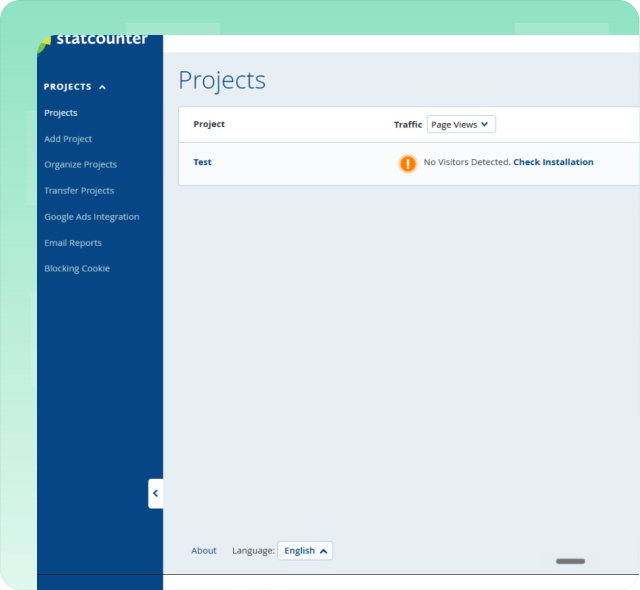
Why we built Clics differently.
Six reasons teams pick Clics over Statcounter.
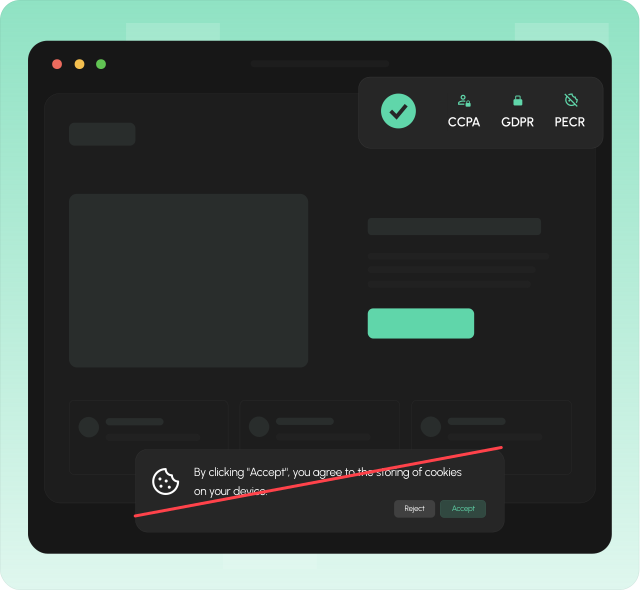
Skip the cookie banner on your site.
Statcounter uses browser cookies to distinguish new and returning visitors, including long-lived visitor cookies your privacy policy must disclose. They offer opt-outs and visitor refusal flows, which still means consent tooling on your site and lost counts when people decline.
Clics does not set cookies on visitor browsers. You can skip the analytics cookie banner, stay aligned with GDPR, CCPA, and PECR, and keep a cleaner experience for visitors who would otherwise click reject.
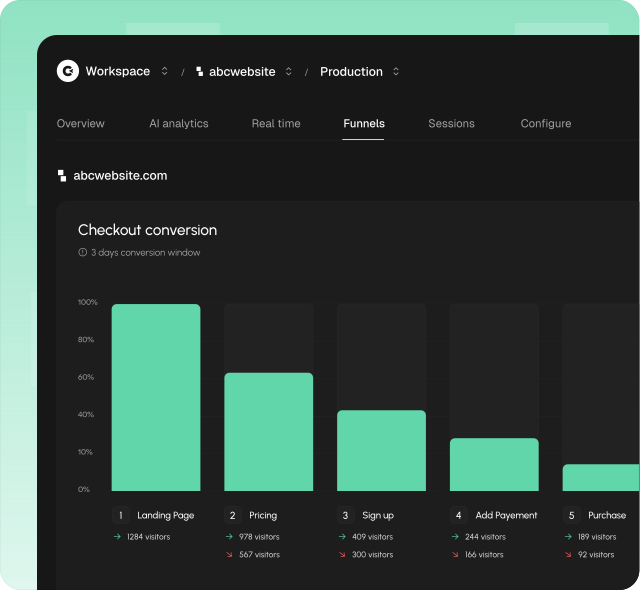
Conversion funnels built in, minus the product-analytics overhead.
Funnels are usually trapped in a dedicated product-analytics stack. You define an event taxonomy upfront, connect SDKs, and wait for data to gather before you can finally see where people leave, plenty of setup for one straightforward question about your website.
Clics builds multistep funnels directly in the same dashboard, from the data your pages already send. Add as many steps as you need across pages, events, referrers, or UTM tags, set a conversion window, and instantly read conversion, drop-off, and time-to-convert for each step, shown as a clear horizontal or vertical chart with no tagging to maintain.
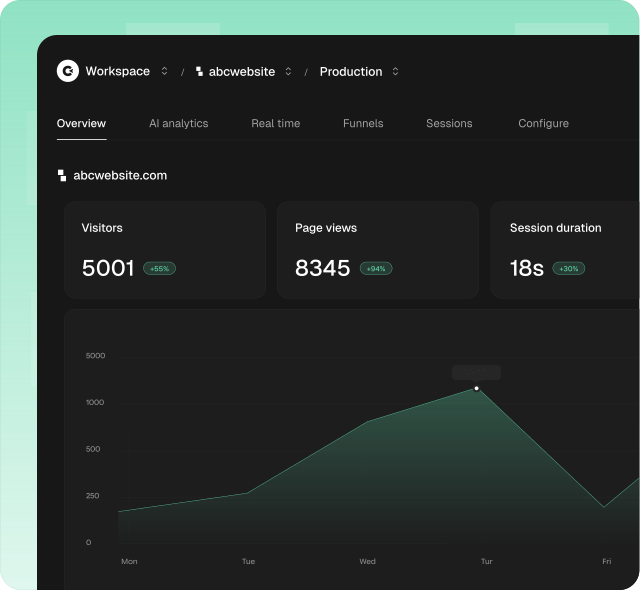
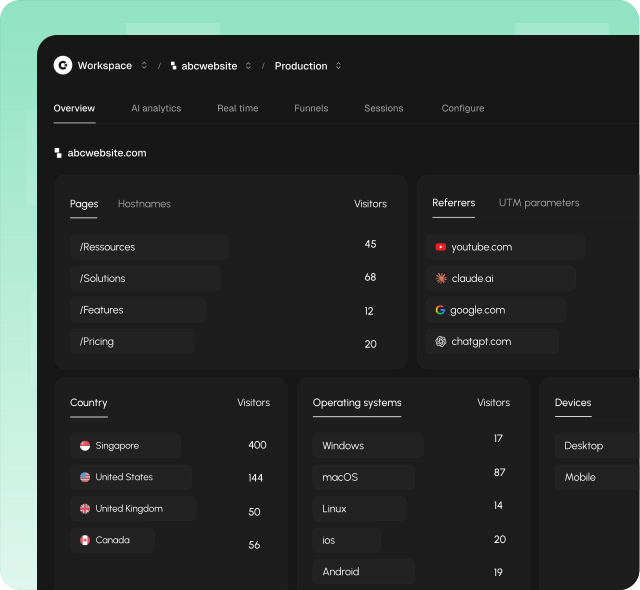
A dashboard that stays easy to read.
Statcounter markets web analytics alongside session replay, heatmaps, live visitor feeds, Google Ads integration, and UTM tracking as separate capabilities. Traffic reports are there, but a quick read on visitors or conversions can pull you through replays, live feeds, or paid-traffic views first.
Clics is designed to be simple to read from the moment you log in. One clean dashboard shows visitors, sources, goals, and conversions without buried menus or optional modules you never turned on.
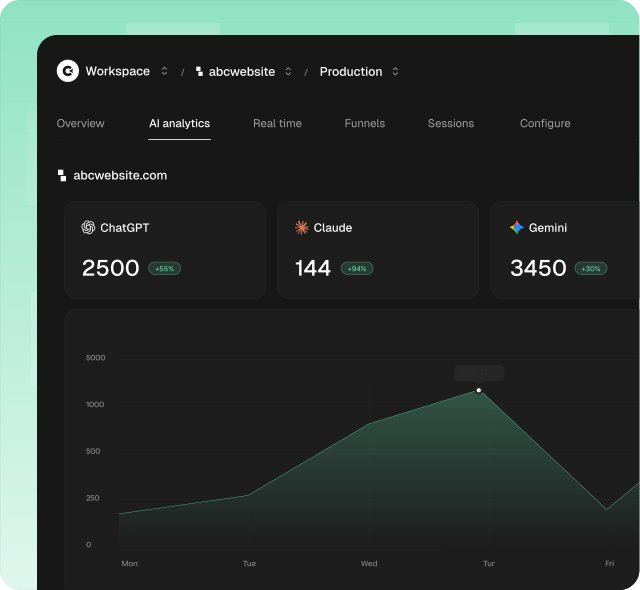
See AI traffic in one place.
Statcounter Traffic Sources covers search, referring websites, social, direct, and paid campaigns. UTM campaign tracking and deeper paid-traffic reads sit on Premium Plus, and AI visits from ChatGPT, Perplexity, and similar tools still land inside generic referrer lists unless you filter them yourself.
Clics ships a dedicated AI analytics view so you can monitor visits, conversions, and revenue from ChatGPT, Claude, Perplexity, Gemini, Copilot, and other AI tools without hand-picking referrers in a capped sources report.
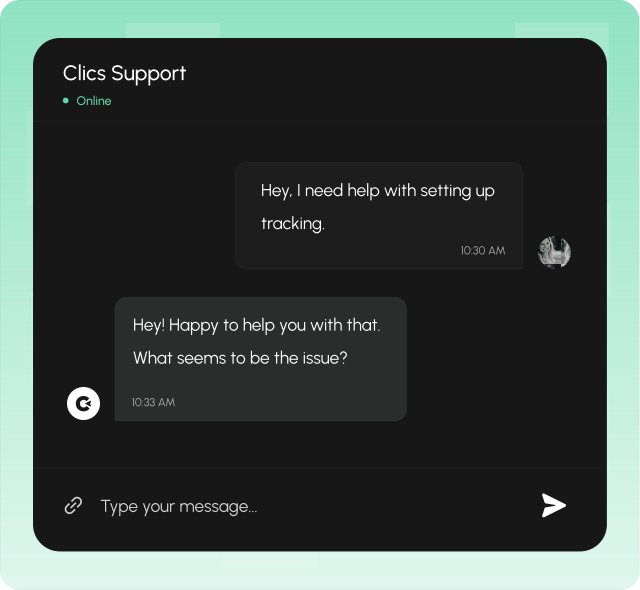
Human customer support, under 30 minutes.
When you need help, you talk to a real person, not a chatbot, not a ticket queue that takes days. Clics offers human customer support with a response time under 30 minutes, so you are never left waiting when something matters.
Good analytics tooling should come with good support. Whether you have a question about setup, need help understanding a report, or want to discuss your tracking strategy, someone on our team will get back to you quickly.
More accurate data you can actually trust.
When analytics depends on cookies, ad blockers and consent walls silently shrink your totals. Statcounter can miss visitors who refuse tracking or block the tag, even when live visitor feeds make the product feel comprehensive on the surface.
Clics uses a lightweight async script under 5 KB with fingerprint-based sessions instead of invasive cookies. Because there is no cookie banner to dismiss, more visitors are actually counted, giving you a picture of your traffic that is closer to reality.
Compare Clics to market leaders
FAQ about Statcounter & Clics
Sessions, cookies, AI traffic, replay, pricing, trials, and team access. Everything you need to compare Statcounter and Clics in one place.