

Discover how Semrush Traffic Analytics
compares with Clicky
What is the best way to research competitors and measure your own site? See how Semrush Traffic Analytics compares with Clicky? Enjoy a detailed comparison of Semrush Traffic Analytics vs Clicky.
Semrush Traffic Analytics vs Clicky comparison.
- Public pricingIncludedNot included
- Free tier or trialIncludedNot included
- Self-serve signupIncludedNot included
- Usage-based pricing (not per seat)Not includedIncluded
- Cookieless trackingNot includedIncluded
- No analytics cookies requiredNot includedIncluded
- EU or regional data hostingNot included
- IP anonymization by defaultNot included
- Self-hosted deploymentNot includedNot included
Clics, the simple privacy first web analytics software
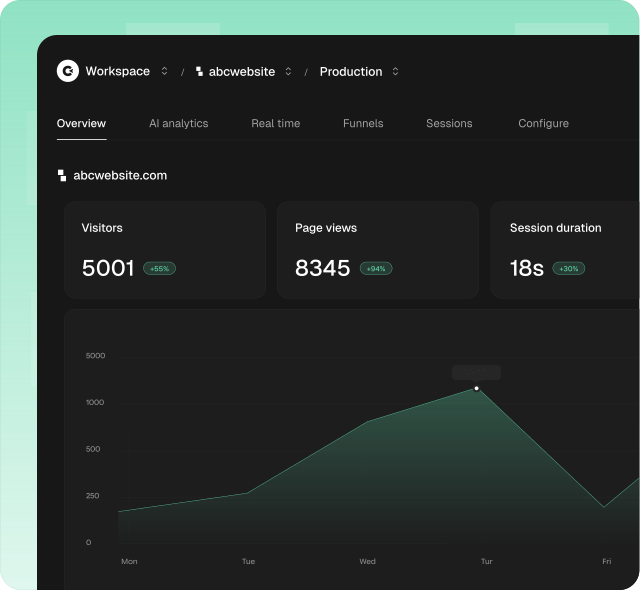
Clics helps teams worldwide understand how their websites perform without turning analytics into a second job. One privacy first platform brings the reads growth and marketing need into a single calm dashboard. Traffic sources, landing pages, multistep funnels, conversion goals, campaign performance, and a dedicated AI referrals view for ChatGPT, Claude, Perplexity, Gemini, and Copilot sit together so you are not hunting through menus for a weekly answer.
More than page views alone, Clics is built so everyone on the team can read the same numbers. Invite unlimited teammates to one workspace, check reports from phone or desktop, and keep reviews focused on what changed. The tracking script stays under 5 KB, skips analytics cookies on visitors, and is designed with GDPR, CCPA, and PECR in mind so you can measure traffic without cookie banners.
Clics offers a 14 day trial with no credit card required and answers with human support in under 30 minutes when something in your setup or dashboard needs a second look.
What is Semrush Traffic Analytics?
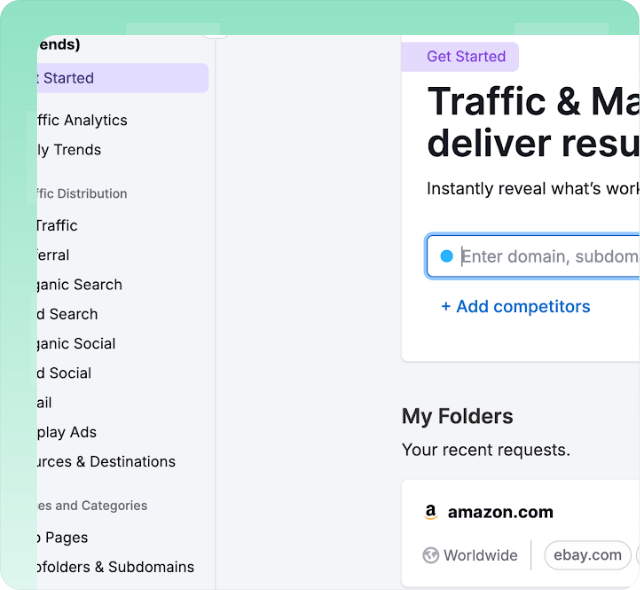
Semrush Traffic Analytics is a competitive research module inside the Semrush marketing suite. It estimates website traffic volumes, unique visitors, bounce rates, visit duration, and pages per session for any domain using aggregated clickstream data and machine-learning models. Teams use it to benchmark competitor performance, discover traffic sources by channel, analyze audience overlap between domains, identify top-performing subfolders, and review geographic distribution patterns. Data relies on third-party panel observations rather than first-party tags, so accuracy varies depending on market size. The tool integrates with other Semrush products like Market Explorer and Domain Overview for broader competitive intelligence workflows.
See how Semrush Traffic Analytics compares with Clics on Semrush Traffic Analytics Alternatives.
What is Clicky?
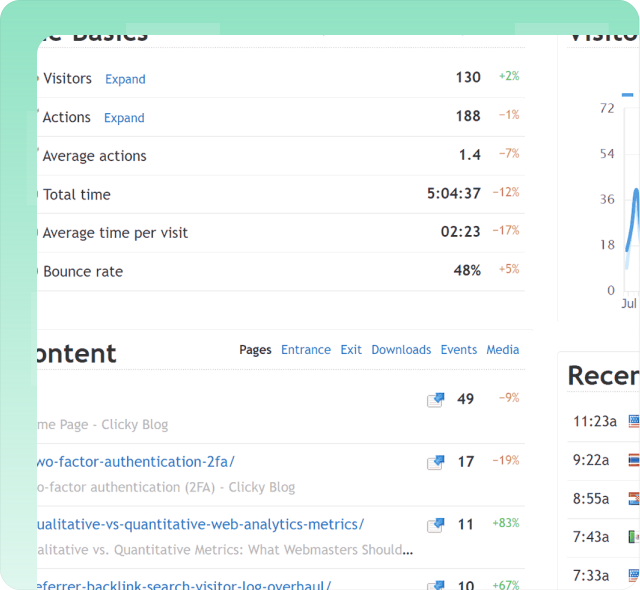
Clicky is a privacy-friendly web analytics platform with real-time visitor logs, heatmaps, proxy tracking through your own domain, uptime monitoring alerts, and AI-powered analytics that separate chatbot traffic from human visitors. The platform operates without tracking cookies and without cookie banners by default, with optional privacy modes available for enhanced measurement accuracy. Published pricing includes a free tier supporting up to one hundred thousand monthly pageviews and paid plans starting around ten dollars per month for higher traffic volumes across multiple sites. Clicky has been operating since 2006 and targets independent publishers, bloggers, and small businesses wanting straightforward real-time visitor reporting.
Explore the Clicky alternative breakdown on Clicky Alternatives.
More head-to-head comparisons
Explore more side-by-side comparisons between popular analytics tools.