

Discover how Countly
compares with Semrush Traffic Analytics
What is the best way to measure your digital presence? See how Countly compares with Semrush Traffic Analytics? Enjoy a detailed comparison of Countly vs Semrush Traffic Analytics.
Countly vs Semrush Traffic Analytics comparison.
- Public pricingIncludedIncluded
- Free tier or trialIncludedIncluded
- Self-serve signupIncludedIncluded
- Usage-based pricing (not per seat)IncludedNot included
- Cookieless trackingIncludedNot included
- No analytics cookies requiredNot includedNot included
- EU or regional data hostingIncludedNot included
- IP anonymization by defaultIncludedNot included
- Self-hosted deploymentIncludedNot included
Clics, the simple privacy first web analytics software
Clics helps teams worldwide understand how their websites perform without turning analytics into a second job. One privacy first platform brings the reads growth and marketing need into a single calm dashboard. Traffic sources, landing pages, multistep funnels, conversion goals, campaign performance, and a dedicated AI referrals view for ChatGPT, Claude, Perplexity, Gemini, and Copilot sit together so you are not hunting through menus for a weekly answer.
More than page views alone, Clics is built so everyone on the team can read the same numbers. Invite unlimited teammates to one workspace, check reports from phone or desktop, and keep reviews focused on what changed. The tracking script stays under 5 KB, skips analytics cookies on visitors, and is designed with GDPR, CCPA, and PECR in mind so you can measure traffic without cookie banners.
Clics offers a 14 day trial with no credit card required and answers with human support in under 30 minutes when something in your setup or dashboard needs a second look.
What is Countly?
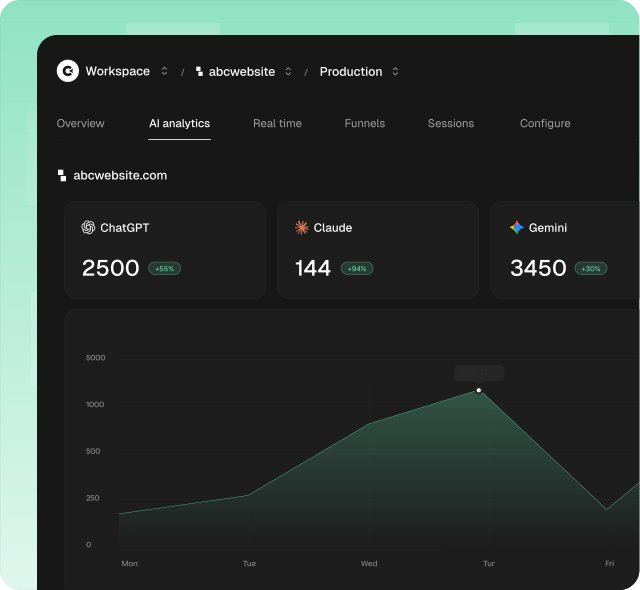
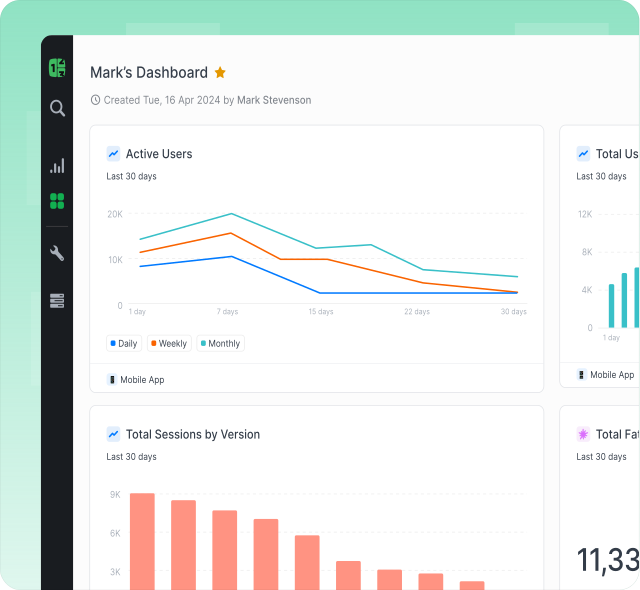
Countly is a digital analytics and customer engagement platform that collects first-party data across web, mobile, desktop, and IoT touchpoints through a wide range of SDKs and server-side APIs. Teams explore that data with real-time dashboards, funnels, cohorts, retention reports, user profiles, drill-down segmentation, and AI-assisted insight generation. Beyond analytics, Countly extends into customer journeys, in-app messaging, push notifications, surveys, crash reporting, and personalization workflows. Both cloud-hosted and self-hosted deployment options are available for organizations that need full control over infrastructure, data residency, and governance. The platform targets mid-market and enterprise teams managing multiple products simultaneously.
View the alternatives guide for Countly on Alternatives.
What is Semrush Traffic Analytics?
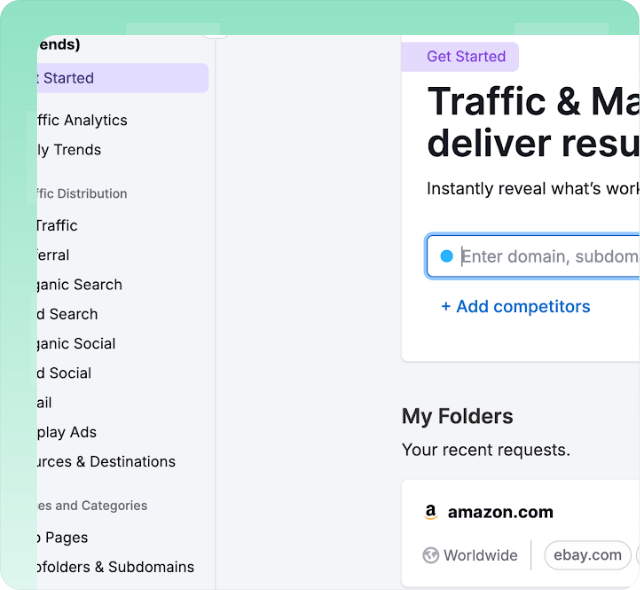
Semrush Traffic Analytics is a competitive research module inside the Semrush marketing suite. It estimates website traffic volumes, unique visitors, bounce rates, visit duration, and pages per session for any domain using aggregated clickstream data and machine-learning models. Teams use it to benchmark competitor performance, discover traffic sources by channel, analyze audience overlap between domains, identify top-performing subfolders, and review geographic distribution patterns. Data relies on third-party panel observations rather than first-party tags, so accuracy varies depending on market size. The tool integrates with other Semrush products like Market Explorer and Domain Overview for broader competitive intelligence workflows.
Find the full Semrush vs Clics comparison on Semrush Traffic Analytics Alternatives.
More head-to-head comparisons
Explore more side-by-side comparisons between popular analytics tools.