

Discover how Statcounter
compares with Adobe Analytics
What is the best analytics platform for your website? See how Statcounter compares with Adobe Analytics? Enjoy a detailed comparison of Statcounter vs Adobe Analytics.
Statcounter vs Adobe Analytics comparison.
- Public pricingIncludedNot included
- Free tier or trialIncludedNot included
- Self-serve signupIncludedNot included
- Usage-based pricing (not per seat)Included
- Cookieless trackingNot includedIncluded
- No analytics cookies requiredNot includedNot included
- EU or regional data hostingIncludedIncluded
- IP anonymization by defaultNot includedIncluded
- Self-hosted deploymentNot includedNot included
Clics, the simple privacy first web analytics software
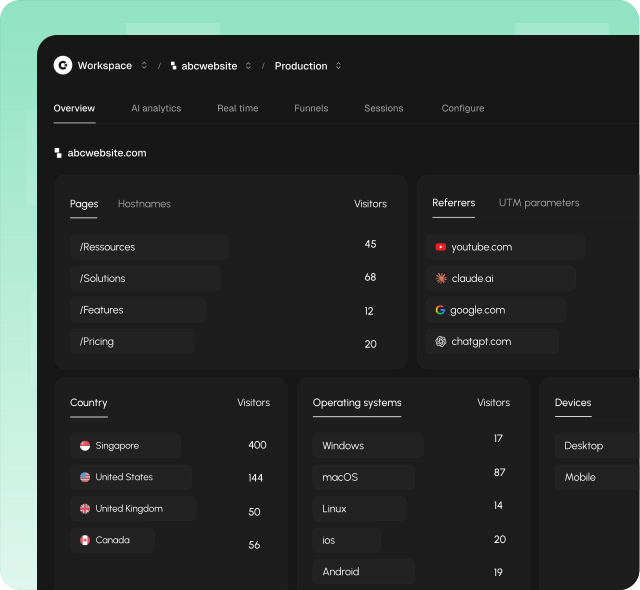
Clics makes website analytics something your team actually looks forward to every week: easy, modern, and genuinely useful. At its core is a clean dashboard anyone can open without training: visitors, traffic sources, goals, conversions, and multistep funnels on one screen, plus a dedicated view for AI referral traffic from ChatGPT, Claude, Perplexity, Gemini, and Copilot.
Its strength is staying simple without giving up what marketing teams actually measure. A tracking script under 5 KB does not set analytics cookies on visitors. Clics is designed with GDPR, CCPA, and PECR in mind, and reports full counts you can trust in reviews.
Unlimited teammates share one workspace, the 14 day trial does not require a credit card, and human support typically replies in under 30 minutes when setup or reporting questions come up.
What is Statcounter?
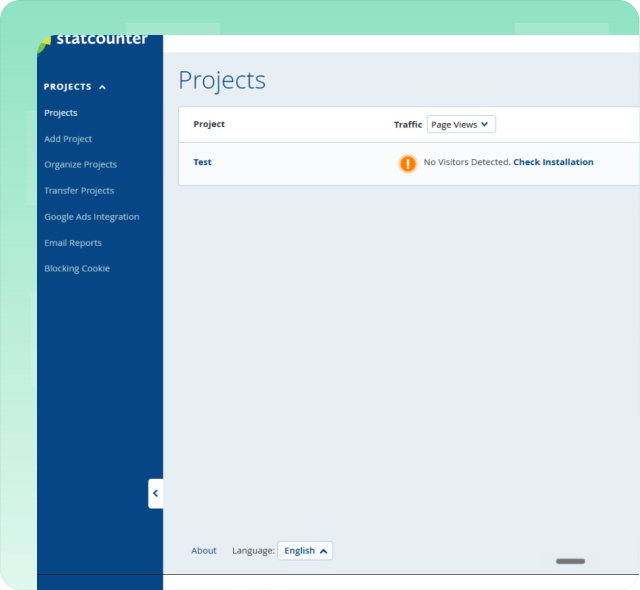
Since 1999, Statcounter has paired everyday traffic reports with session replay, heatmaps, live visitor feeds, and paid-traffic monitoring tools. The free Basic plan covers up to five thousand sessions per month with approximately fourteen days of history. Paid Premium and Premium Plus tiers raise those limits and add UTM tracking, keyword analysis, and advanced filtering options while replay recordings are billed separately on top. The platform provides summary statistics, recent visitor activity, popular pages, entry and exit page reports, and geographic visitor maps. Statcounter supports alerts, scheduled email reports, and integration with Google Ads for campaign performance tracking across multiple websites.
Read how Statcounter compares to Clics on the Statcounter Alternatives hub.
What is Adobe Analytics?
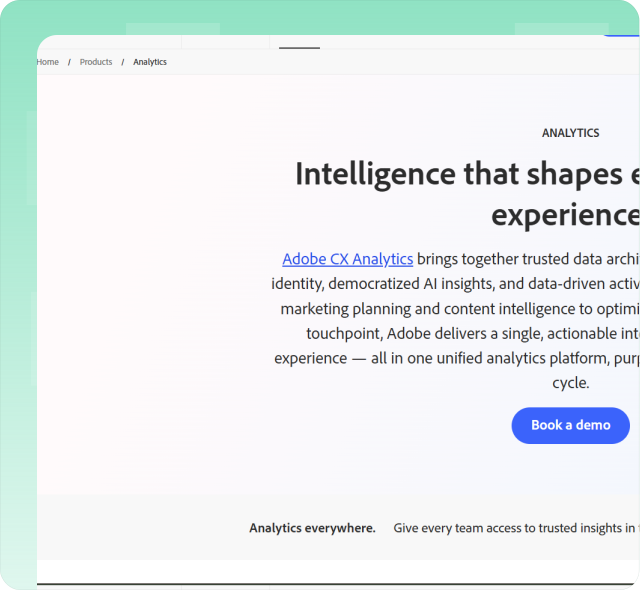
Adobe Analytics is enterprise-grade digital analytics inside Adobe Experience Cloud: Analysis Workspace, marketing channels, calculated metrics and segments, attribution modeling, integrations with Experience Platform, Customer Journey Analytics, Journey Optimizer, Real-Time CDP, Adobe Advertising, Target, and tag management through Experience Platform Data Collection. Teams typically pair it with professional services, solution design, data governance, and long implementation cycles because the surface matches Fortune-scale requirements rather than a single marketing site review. Licensing follows enterprise contracts with custom pricing, and the platform serves industries like financial services, retail, media, and telecommunications that require unsampled data processing at very high event volumes.
See the full Adobe Analytics write-up for Adobe Analytics on Alternatives.
More head-to-head comparisons
Explore more side-by-side comparisons between popular analytics tools.