

Discover how Statcounter
compares with Databuddy
What is the best analytics platform for your website? See how Statcounter compares with Databuddy? Enjoy a detailed comparison of Statcounter vs Databuddy.
Statcounter vs Databuddy comparison.
- Public pricingIncludedIncluded
- Free tier or trialIncludedIncluded
- Self-serve signupIncludedIncluded
- Usage-based pricing (not per seat)IncludedIncluded
- Cookieless trackingNot includedIncluded
- No analytics cookies requiredNot includedIncluded
- EU or regional data hostingIncludedIncluded
- IP anonymization by defaultNot included
- Self-hosted deploymentNot includedIncluded
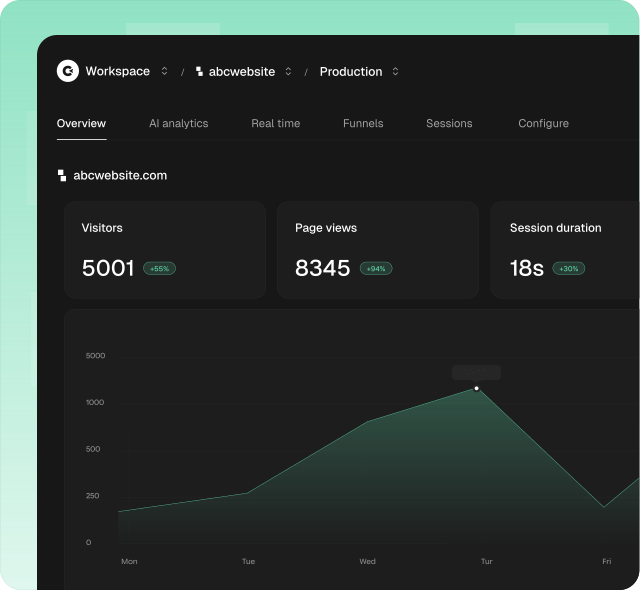
Clics, the simple privacy first web analytics software
Clics makes website analytics something your team actually looks forward to every week: easy, modern, and genuinely useful. At its core is a clean dashboard anyone can open without training: visitors, traffic sources, goals, conversions, and multistep funnels on one screen, plus a dedicated view for AI referral traffic from ChatGPT, Claude, Perplexity, Gemini, and Copilot.
Its strength is staying simple without giving up what marketing teams actually measure. A tracking script under 5 KB does not set analytics cookies on visitors. Clics is designed with GDPR, CCPA, and PECR in mind, and reports full counts you can trust in reviews.
Unlimited teammates share one workspace, the 14 day trial does not require a credit card, and human support typically replies in under 30 minutes when setup or reporting questions come up.
What is Statcounter?
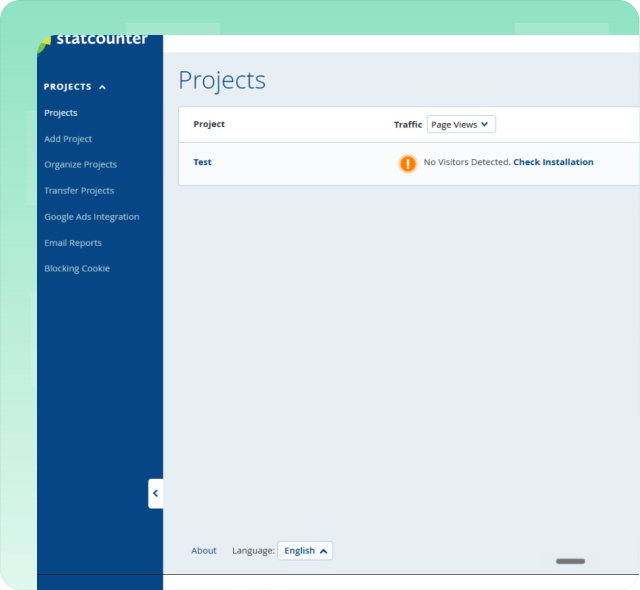
Since 1999, Statcounter has paired everyday traffic reports with session replay, heatmaps, live visitor feeds, and paid-traffic monitoring tools. The free Basic plan covers up to five thousand sessions per month with approximately fourteen days of history. Paid Premium and Premium Plus tiers raise those limits and add UTM tracking, keyword analysis, and advanced filtering options while replay recordings are billed separately on top. The platform provides summary statistics, recent visitor activity, popular pages, entry and exit page reports, and geographic visitor maps. Statcounter supports alerts, scheduled email reports, and integration with Google Ads for campaign performance tracking across multiple websites.
Open the Countly vs Clics breakdown for Statcounter on Alternatives.
What is Databuddy?
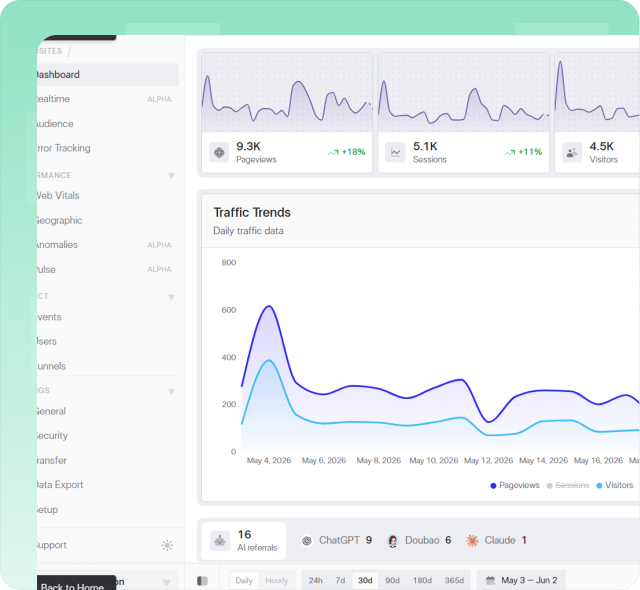
Databuddy bundles event analytics, error tracking, Core Web Vitals monitoring, conversion funnels, feature flags, and an in-product AI assistant behind a single installation. The platform positions itself as cookieless and open source, offering both self-hosted deployment and managed cloud hosting options. Published pricing includes a free tier with approximately ten thousand events per month, Hobby and Pro plans with higher event allowances and team member caps, and Enterprise pricing as custom contracts. Dashboards present real-time event streams, geographic breakdowns, device statistics, and performance metrics. The AI assistant helps teams surface patterns across collected events using natural language queries rather than manual report configuration for faster daily decision-making.
See how Clics compares with Databuddy on the Alternatives hub.
More head-to-head comparisons
Explore more side-by-side comparisons between popular analytics tools.