

Comment Mouseflow se
compare à Databuddy
Vous hésitez entre Mouseflow et Databuddy ? Cette comparaison détaille confidentialité, tarifs et reporting pour vous aider à choisir la bonne plateforme d'analytique.
Comparaison Mouseflow vs Databuddy.
- Tarifs publicsInclusInclus
- Offre gratuite ou essaiInclusInclus
- Inscription en libre-serviceInclusInclus
- Tarification à l'usage (pas par siège)InclusInclus
- Suivi sans cookiesInclusInclus
- Aucun cookie analytique requisNon inclusInclus
- Hébergement des données en UE ou régionalInclusInclus
- Anonymisation IP par défautInclus
- Déploiement auto-hébergéNon inclusInclus
Clics, l'analytique web simple et respectueuse de la vie privée
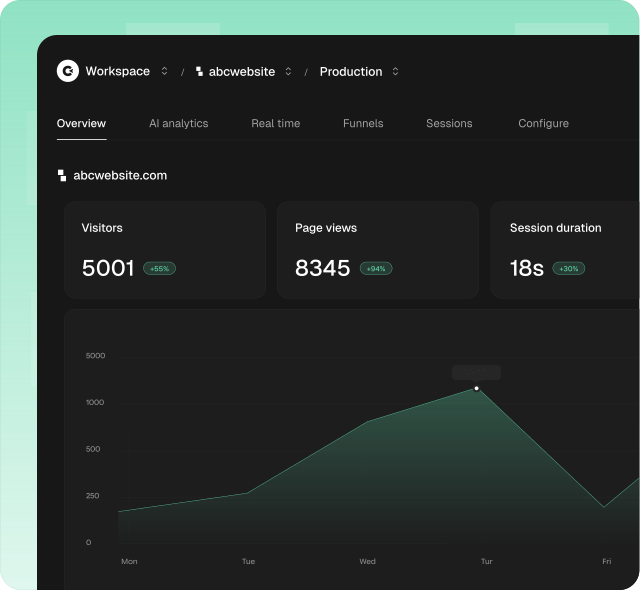
Avec Clics, consulter l'analytique de son site redevient un plaisir hebdomadaire : c'est simple, moderne et vraiment utile. Tout part d'un tableau de bord clair, que chacun peut ouvrir sans la moindre formation : visiteurs, sources de trafic, objectifs, conversions et tunnels multi-étapes réunis sur un seul écran, avec une vue dédiée au trafic venu des IA comme ChatGPT, Claude, Perplexity, Gemini et Copilot.
Clics reste simple sans sacrifier ce que les équipes marketing suivent vraiment. Un script de moins de 5 Ko ne dépose aucun cookie analytique chez vos visiteurs, il est pensé pour le RGPD, le CCPA et le PECR, et il vous donne des chiffres complets sur lesquels vous pouvez vous appuyer en réunion.
Invitez autant de collègues que vous voulez dans un même espace, profitez de 14 jours d'essai sans carte bancaire, et comptez sur un support humain qui répond en moins de 30 minutes dès qu'une question de configuration ou de reporting se pose.
Qu'est-ce que Mouseflow ?
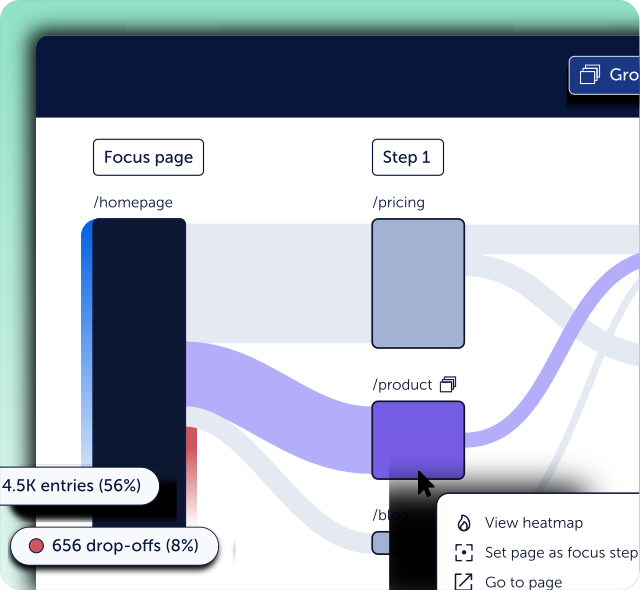
Mouseflow propose une analytics d'expérience digitale et de comportement sur mouseflow.com : replay de session, heatmaps de clics et de scroll, analytics de parcours, tunnels de conversion, analytics de formulaires, sondages de feedback, détection de friction et d'erreurs, et Mina AI pour poser des questions en langage naturel sur les données de comportement, avec un essai complet de quatorze jours et sans carte bancaire sur les plans publiés.
Voyez comment Clics se compare à Mouseflow sur la page Alternatives.
Qu'est-ce que Databuddy ?
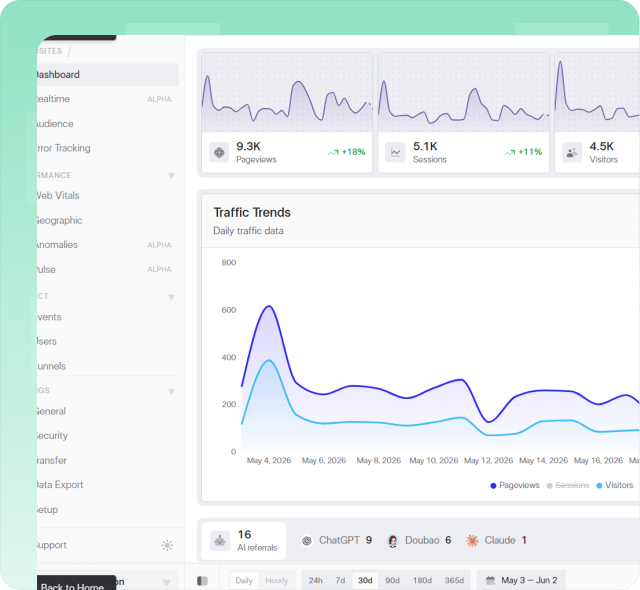
Databuddy regroupe analytique d'événements, suivi d'erreurs, Core Web Vitals, tunnels, feature flags et un assistant IA in-product derrière une seule installation, avec un positionnement sans cookies, open source et déploiement auto-hébergé ou hébergé. Les tarifs publiés incluent une offre gratuite d'environ dix mille événements par mois, des plans Hobby et Pro avec quotas d'événements et plafonds d'équipe, et Enterprise sur mesure.
Découvrez pourquoi Clics est une alternative sérieuse à Databuddy sur la page dédiée.
D'autres comparaisons tête-à-tête
Explorez d'autres comparaisons côte à côte entre les outils d'analytics populaires.