

Discover how Umami
compares with Databuddy
What is the best privacy first analytics stack for your website? See how Umami compares with Databuddy? Enjoy a detailed comparison of Umami vs Databuddy.
Umami vs Databuddy comparison.
- Public pricingIncludedIncluded
- Free tier or trialIncludedIncluded
- Self-serve signupIncludedIncluded
- Usage-based pricing (not per seat)IncludedIncluded
- Cookieless trackingIncludedIncluded
- No analytics cookies requiredIncludedIncluded
- EU or regional data hostingIncludedIncluded
- IP anonymization by defaultIncluded
- Self-hosted deploymentIncludedIncluded
Clics, the simple privacy first web analytics software
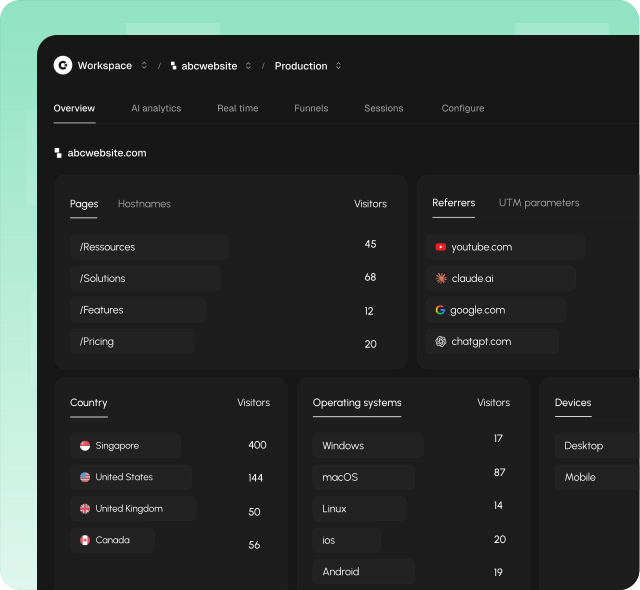
Clics gives growth and marketing teams one calm place to finally see how a website is really performing, without the clutter. Traffic sources, landing pages, multistep funnels, goal completions, and conversion reads live in a single privacy first workspace built for the questions you ask every week, not for a wall of modules you never open.
Behind that clarity is a lightweight script under 5 KB that does not set analytics cookies on visitors. Clics is designed with GDPR, CCPA, and PECR in mind and ships a dedicated AI referrals view for ChatGPT, Claude, Perplexity, Gemini, and Copilot.
Unlimited teammates, a 14 day trial without a credit card, and human support that typically answers in under 30 minutes keep rollout and day to day reporting straightforward for teams that want analytics built for the website.
What is Umami?
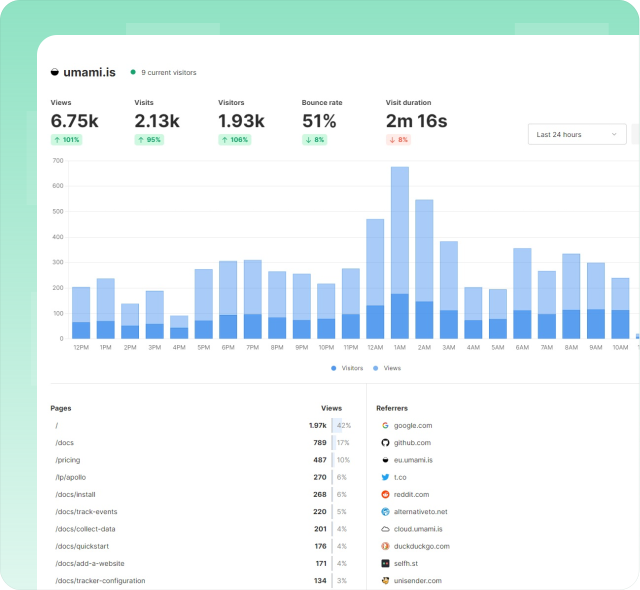
Umami is an open-source, privacy-focused web analytics platform that operates without cookies and without cross-site tracking, positioning itself as GDPR compliant out of the box. The tracker script stays under two kilobytes, and teams can self-host with Docker and PostgreSQL or choose Umami Cloud for managed hosting. The product covers traffic metrics, custom events, funnels, user journeys, retention, session replay, UTM attribution, and revenue tracking tied to events. Team management includes roles, sharing controls, and a REST API for programmatic access to collected data. Umami targets developers and small teams who want lightweight analytics without sacrificing the ability to understand user behavior in meaningful detail.
Dig into the Umami alternative page for Umami on Alternatives.
What is Databuddy?
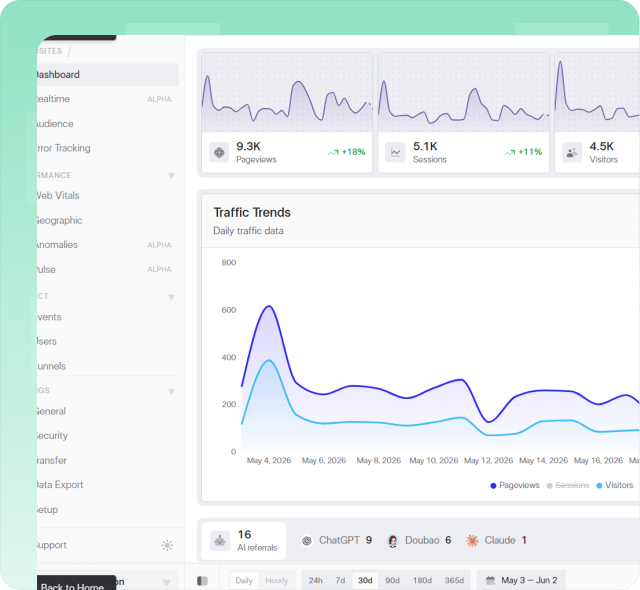
Databuddy bundles event analytics, error tracking, Core Web Vitals monitoring, conversion funnels, feature flags, and an in-product AI assistant behind a single installation. The platform positions itself as cookieless and open source, offering both self-hosted deployment and managed cloud hosting options. Published pricing includes a free tier with approximately ten thousand events per month, Hobby and Pro plans with higher event allowances and team member caps, and Enterprise pricing as custom contracts. Dashboards present real-time event streams, geographic breakdowns, device statistics, and performance metrics. The AI assistant helps teams surface patterns across collected events using natural language queries rather than manual report configuration for faster daily decision-making.
Read the full Databuddy alternative write-up for Databuddy on Alternatives.
More head-to-head comparisons
Explore more side-by-side comparisons between popular analytics tools.